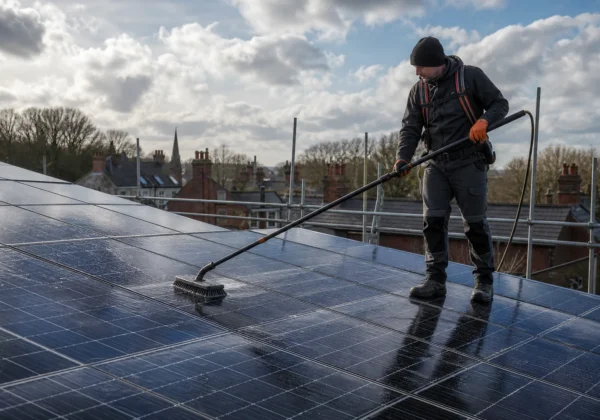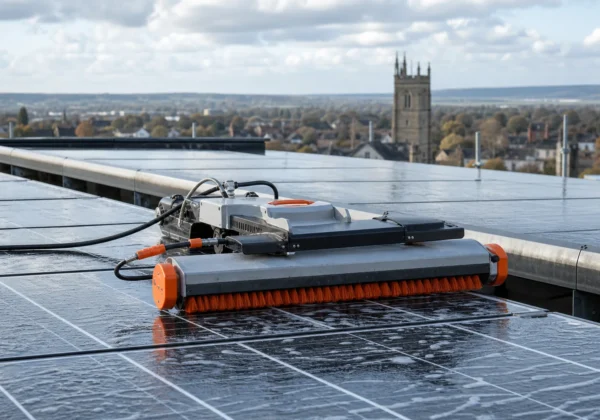
Solar panel monitoring can show that a PV system is underperforming, but it rarely explains why. That gap matters on public and commercial estates, where a dashboard alert must lead to the right inspection. Use the steps below to set a useful baseline, check faults and turn findings into a maintenance plan.
Step 1: Define What Your Solar Panel Monitoring Must Show
Start by deciding what your solar panel monitoring needs to tell you. A homeowner may want daily energy use. An estate manager needs evidence that supports a work order, warranty claim or capital plan.
Write down the decisions the data must support. For a school, that could mean checking whether the array is meeting its expected output during term time. For an NHS estate, you may need to compare several roofs and flag the site with the sharpest change.
At a minimum, record:
- site and roof reference;
- array capacity and inverter details;
- daily and monthly generation;
- exported energy, where it is measured;
- inverter alarms and downtime;
- weather or irradiance data, if available;
- string or array-level readings, where the system supports them.
Keep generation data separate from building energy use. A whole-building meter may rise because of a new heat pump, longer operating hours or a fault elsewhere. It cannot, by itself, prove that the PV array has failed.
The only product captured in the supplied review research was Emporia Gen 2 Vue. It uses Hall-effect sensors on two phases and can monitor 16 circuits through Wi-Fi and Bluetooth. That may suit a home energy setup, but the research gives no evidence of an API, building-management connection or portfolio workflow.
That limitation is a useful warning. Hardware that gives near-real-time readings is not automatically suitable for a local authority or university estate. Before procurement, ask how data will leave the system and who will review it.

Step 2: Establish a Reliable Baseline for Solar PV Performance
A baseline gives your solar panel monitoring something to compare. Without one, a low figure may look alarming even when the day was cloudy, the array was shaded or the building was closed.
Gather the commissioning pack before you set thresholds. Look for the as-built layout, inverter schedule, panel count, rated capacity and handover readings. Add roof orientation, nearby plant and known shade from trees or taller buildings.
Then choose a clean period for the first comparison. The system should be operating normally, with no known inverter alarm, planned shutdown or heavy obstruction. Record the date, weather conditions and meter values. Do not treat one sunny day as a permanent target.
Build the baseline around patterns:
- compare similar days rather than every day;
- compare each inverter with its own past record;
- check seasonal changes before changing an alert threshold;
- separate an outage from a slow fall in generation.
Weather data helps. If the monitoring platform has no irradiance feed, record cloud cover and unusual conditions in the review log. A forecast is not a measurement, so use it as context rather than proof.
For a large estate, put the baseline in a simple asset register. Give each roof a fixed name. Keep the same units and time zone. Note any meter change, inverter replacement or alteration to the array. Small changes in record keeping can prevent a false trend later.
Use a weekly review for routine oversight. A monthly review can work for low-risk sites, but only if alarms are sent to someone who can act sooner. Monitoring is an early warning system, not a substitute for an inspection.
Visual Perspectives Limited can help set this information against a roof survey record. We work independently of installers, so the monitoring baseline can be checked against roof condition rather than accepted at face value.
Step 3: Review Monitoring Data for Faults and Performance Changes
Review solar panel monitoring for changes in shape, not just changes in total output. A sudden drop suggests a different problem from a slow decline across several weeks.
Set a clear review routine. First, check whether the data feed is complete. Then look at the inverter status. Once the readings are confirmed, compare the site with its baseline and with similar arrays on the estate.
Use the pattern to guide the next question:
Do not label every unusual reading as a panel fault. A communications failure can imitate zero generation. A meter reset can create a false jump. A new roof plant can cast shade over part of an array.
The review research on Emporia Gen 2 Vue highlights the same issue in another way. It records whole-house circuits through sensors, but the source gives no evidence of automatic connection to a building-management system, CIBSE dashboard or PAS 2035 workflow. That makes manual review more important and limits its use across a distributed estate.
For commercial PV, monitoring should trigger inspection rather than replace it. A useful alert says what changed, where it changed and what evidence is needed next. “Site output low” is weak. “Inverter two is 18% below its seven-day pattern on a clear day” gives a technician somewhere to start.
Our commercial solar panel maintenance guidance explains how ongoing output checks can sit alongside formal thermal and visual inspections. That combination gives you an early warning followed by a physical diagnosis.
Keep an audit trail. Save the alert, the data range reviewed, the person who assessed it and the action taken. This is especially useful when a fault returns after repair.
Step 4: Verify Suspected Problems with Independent Inspections
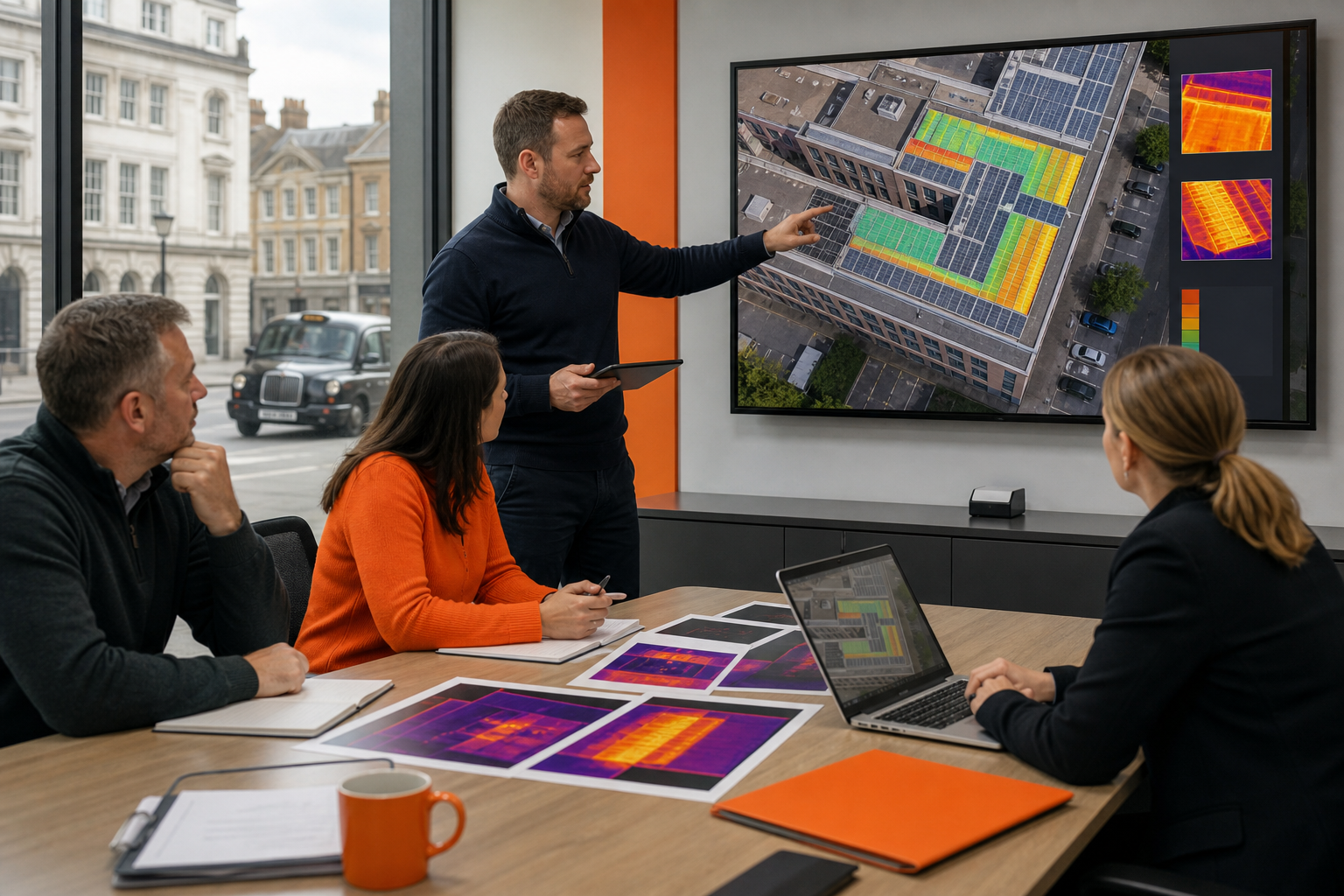
Use an independent inspection when solar panel monitoring shows a persistent or serious change. The dashboard can point to a fault, but thermal imaging and visual evidence can show whether the problem sits in a panel, connection, roof or surrounding structure.
Start with a desk review. Match the alert to the array plan. Check recent weather, cleaning work, inverter logs and any roof access restrictions. Then choose the inspection method. A ground view may suit a small, accessible roof. A drone roof survey can cover a large or fragile roof without sending staff across the surface.
Solar thermography uses an infrared camera to show temperature differences. A hot area may relate to a damaged cell, connection problem or bypass diode issue. It may also come from shade, glare or a surface condition. That is why thermal findings must be checked against a visual image and the system layout.
For a formal survey, record the operating state and weather conditions. The array should be under suitable load for the inspection. The report should identify the location, image reference, temperature finding and recommended action. Avoid vague notes such as “panel looks warm”.
Visual Perspectives Limited provides managed drone-based inspections across the UK. We combine high-resolution 3D mapping with thermal imaging, so the report can show both the defect and its position on the roof. The result is quickly, precise, and detailed, including what the naked eye can’t see.
Independent evidence is valuable when an installer, insurer or warranty provider needs to review the issue. It also helps an asset team separate urgent electrical risks from lower-priority cleaning or roof maintenance.
Do not send a drone into poor weather or a restricted area without the right planning. A competent operator must assess airspace, people, obstacles and roof hazards before the flight. Safety comes before the desire to collect one more image.
Step 5: Turn Monitoring Findings into an Estate Maintenance Plan
Solar panel monitoring becomes useful when each finding leads to an owner, a deadline and a record. End the review with a maintenance plan rather than a folder of screenshots.
Rank each issue by risk. A suspected hot connection needs a different response from gradual soiling. A roof defect below the array may also need attention before a panel repair, since access work could disturb the waterproofing.
Use a simple action record with these fields:
- asset and roof reference;
- monitoring alert or trend;
- inspection evidence;
- risk rating and reason;
- named action owner;
- target date;
- repair or inspection status;
- follow-up reading after the work.
Set different response times for different findings. A loss of generation on one roof may need same-day review if the site supports critical services. A mild output drift can enter the planned maintenance queue while you collect more evidence.
Link the plan to wider estate work. If a roof needs renewal, coordinate PV removal and reinstatement rather than repairing the array in isolation. If a heat loss survey finds poor insulation or air leakage, address the building fabric before sizing a new heat pump or expanding generation.
This is where independent inspection supports decarbonisation work. A PSDS Phase 4 project needs evidence that proposed measures fit the building and its condition. Monitoring data can show what the current system does. A roof and building survey can show whether the asset is ready for the next investment.
Keep the record with the asset information model or estate management system where possible. If the monitoring product cannot export data, document the manual process and its limits. A small kit may be fine for a single building, but a portfolio needs a repeatable handoff between energy managers, facilities teams and contractors.
Visual Perspectives Limited can provide inspection reports that support this handoff. Our work covers public buildings, education estates, healthcare sites and commercial roofs, with findings written for surveyors and facilities teams rather than only for a drone operator.
Review the plan after every repair. The follow-up reading should show whether the action changed the original pattern. If it did not, return to the evidence rather than closing the task on the strength of the contractor’s note.
FAQ: Solar Panel Monitoring
What does solar panel monitoring measure?
Solar panel monitoring measures system output and may also show inverter status, circuit use or string performance. The exact data depends on the hardware. For an estate, record the array reference and operating conditions as well, because a low reading may reflect shade, weather or a communications fault.
How often should I check solar monitoring data?
Check solar monitoring data at least weekly for routine estate oversight, while alarms should reach a named person sooner. Weekly review can reveal a gradual fall that a monthly report hides. Sites supporting critical services may need a tighter response process, especially when an inverter stops reporting.
Can monitoring prove that a solar panel is faulty?
Monitoring can indicate that a panel or string is underperforming, but it usually cannot prove the physical cause. Confirm the finding with inverter records, a visual check or thermal imaging. Reflections, shade and data loss can mimic a fault, so independent evidence matters before repair or warranty action.
Is a homeowner monitoring kit suitable for a public estate?
A homeowner kit may suit a small single-building setup, but it may not meet public estate needs. Check data export, access control and portfolio reporting before purchase.
What should follow a monitoring alert?
A monitoring alert should lead to a recorded review, not an automatic panel replacement. Confirm the data, match it to the roof plan and check for recent work or weather effects. If the change persists, arrange an independent inspection and record the outcome in the maintenance plan.
Conclusion
Use solar panel monitoring as an early warning tool, then verify important findings with independent inspection evidence. Set a baseline for each roof, review changes through a named process and link every action to the estate record. Visual Perspectives Limited provides UK-wide drone and thermal inspections to help asset teams diagnose faults quickly, precisely, and in detail. Start by gathering your monitoring history and commissioning documents for one priority site.