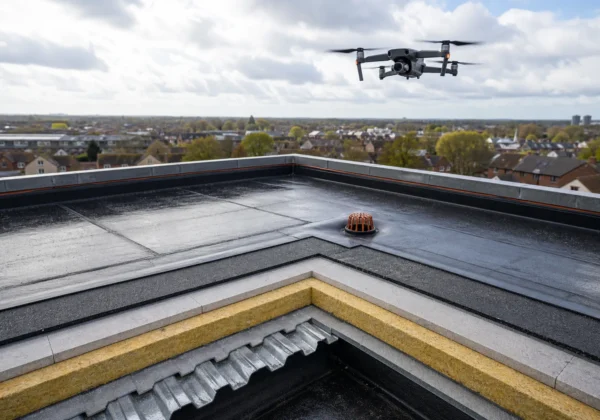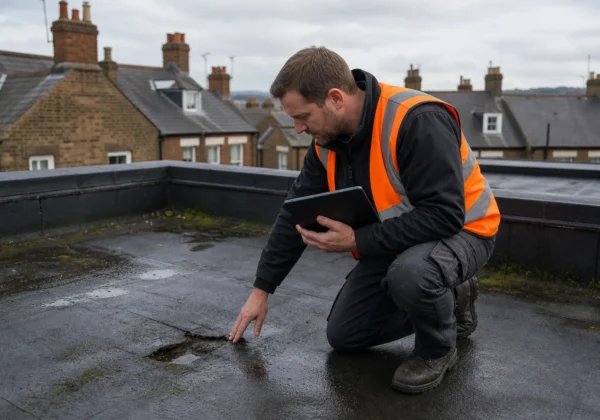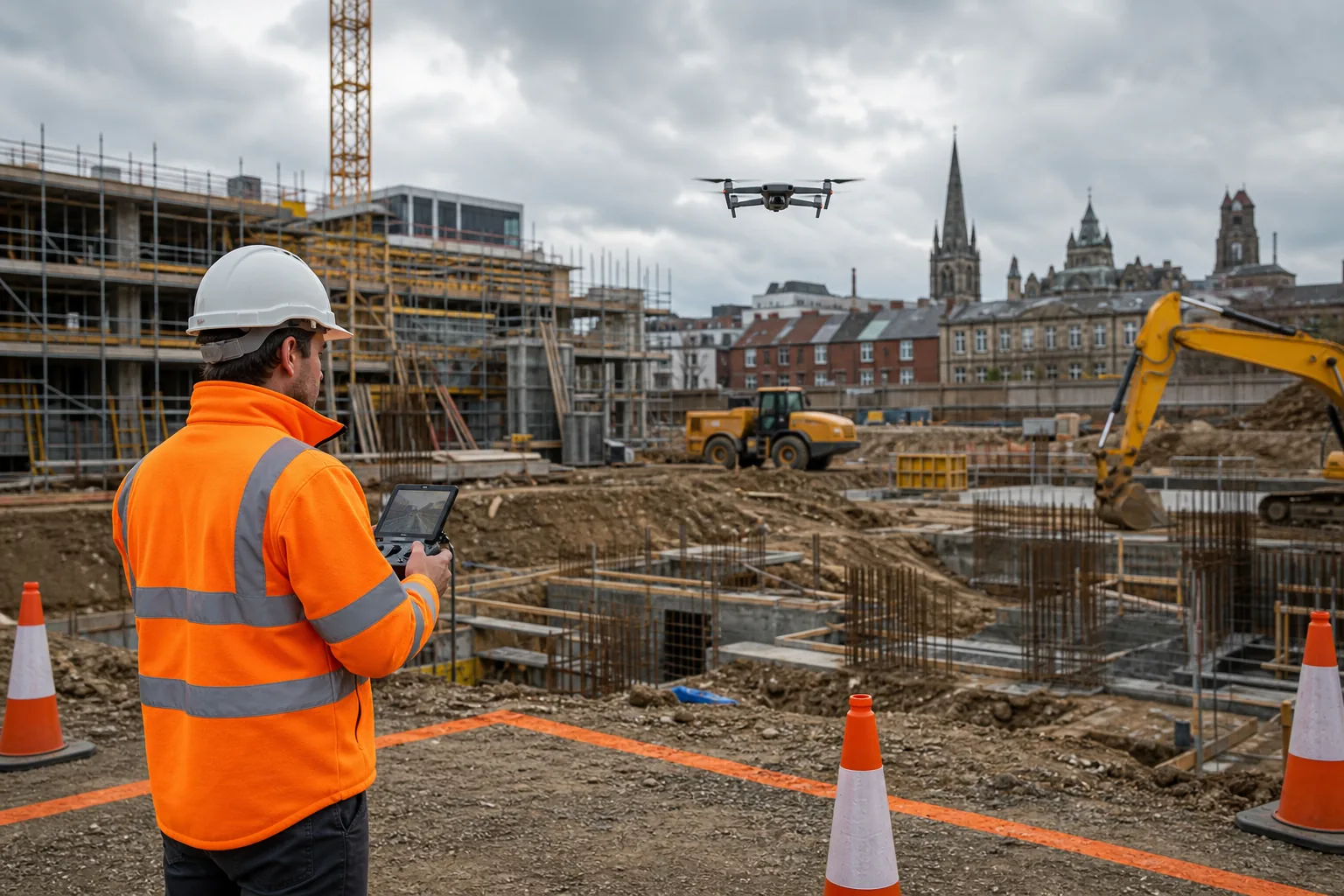
Aerial photography for construction gives your team a view of the site that’s hard to get from the ground. The useful part isn’t the flight itself. It’s matching each capture to a project question, then turning the images into records people can review and act on.
We analyzed 55 comments and questions from Reddit, Quora and YouTube about aerial photography for construction and found that 25% mentioned inaccurate image scaling and distortion.
Use the steps below to plan the work, capture consistent records and set clear expectations for the finished data.
Step 1: Define the Construction Questions and Outputs
Start with the decision your team needs to make. A broad request for “site photos” can lead to attractive images that don’t answer questions about progress, access, visible defects or site layout.
Write down the area to cover, the feature to inspect and the date or project stage that matters. Then name who will use the output. A site manager may need a clear overview of work areas, while a surveyor may need close views of a particular roof edge or façade detail.
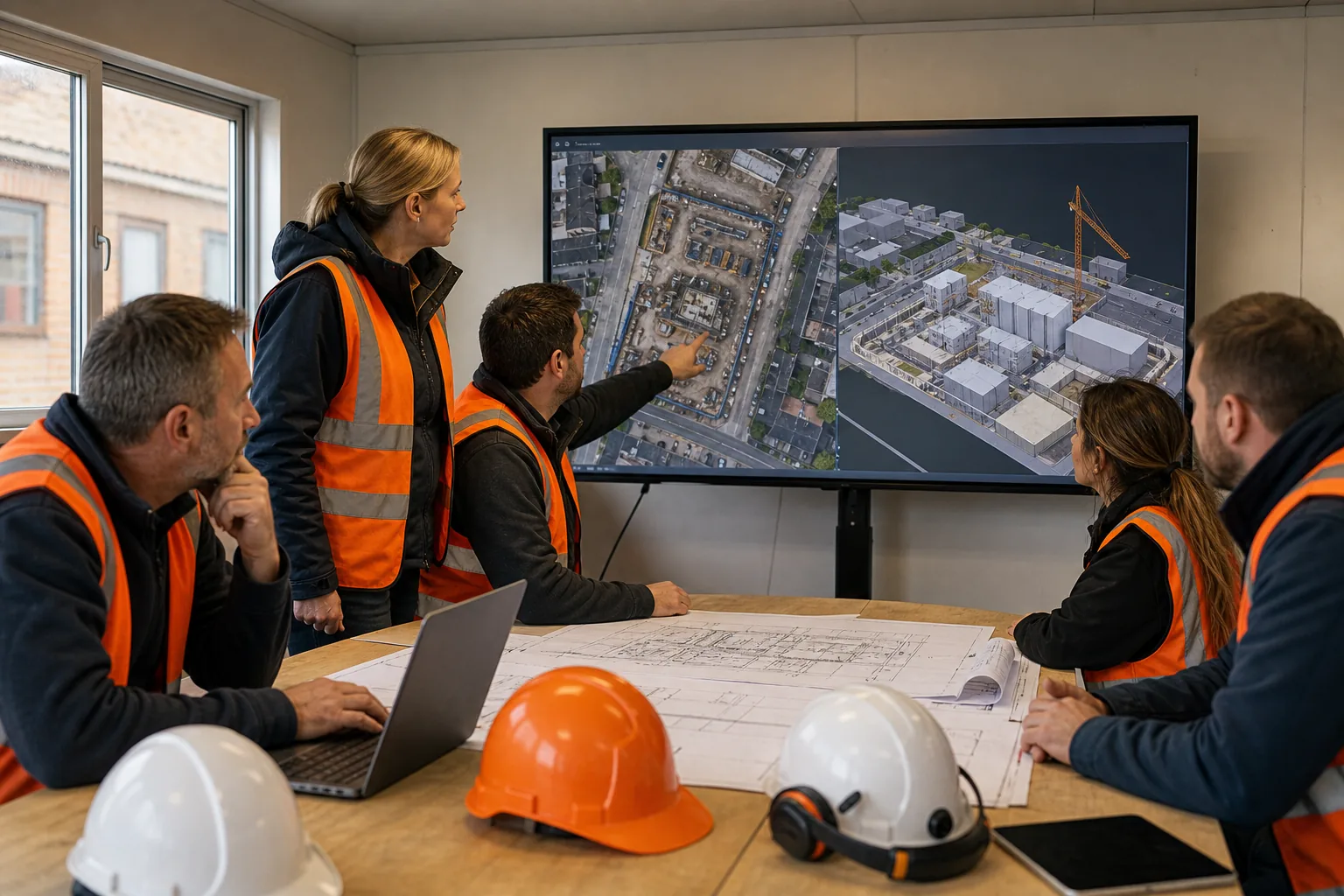
Choose the output to suit the task. Still photographs can record visible conditions. A repeat set can help you compare changes across agreed dates. An orthomosaic is a map-like image made by joining overlapping photographs. A 3D model can help teams view the site from different angles. These outputs don’t all provide survey-grade measurements by default, so state any measurement needs in the brief.
For example, if a project team needs to check whether a work area is clear before the next stage, an annotated overview may be enough. If it needs to compare visible progress against a design, agree which areas and reference material the reviewer will use. Aerial images can show what was visible at a particular time. They don’t explain why a change occurred or who caused it.
When the brief calls for mapped imagery or 3D data, agree how the outputs will meet project needs. Keep the brief focused on the decisions, not a wish list of files.
Agree how the material will be named, stored and shared. Keep original captures distinct from edited images and final exports. That makes it easier to trace a finding back to its date and source if a question arises later.
Step 2: Plan the Site, Permissions and Safe Flight
Plan the flight around the site as it will be on the day, not just the site plan. Active works can change access routes, add temporary structures or bring people and machinery into the intended flight area.
Ask the site lead to flag live work zones, overhead hazards, restricted areas and suitable launch and landing locations. Agree a time that avoids busy movements where possible. The pilot should review the airspace and conditions before the operation, then confirm that the planned flight can be carried out safely.
In the UK, drone operations must follow the rules that apply to the aircraft and the planned activity. Check the current requirements, and ask the operator to confirm which permissions and registrations apply to the job. The project team should also agree site access and any required induction or safety documents.
Set a clear stop rule. The pilot should be able to pause or end the flight if people enter the controlled area, visibility changes or site activity creates a new hazard. Don’t ask a pilot to fly closer to a structure just to capture a detail if the planned safe distance can’t be maintained.
Weather affects both safety and image quality. Strong wind can make a stable capture harder. Rain, poor visibility or shifting light can reduce the value of repeat images. If the aim is comparison, try to keep the time of day, view angle and coverage similar across visits. Record any unavoidable differences in the capture notes.
A drone survey can reduce the need to place people in difficult-to-reach areas for a visual check, but it doesn’t remove the need to plan site risks. Use the method that fits the task and the site conditions, and consult further information as appropriate.
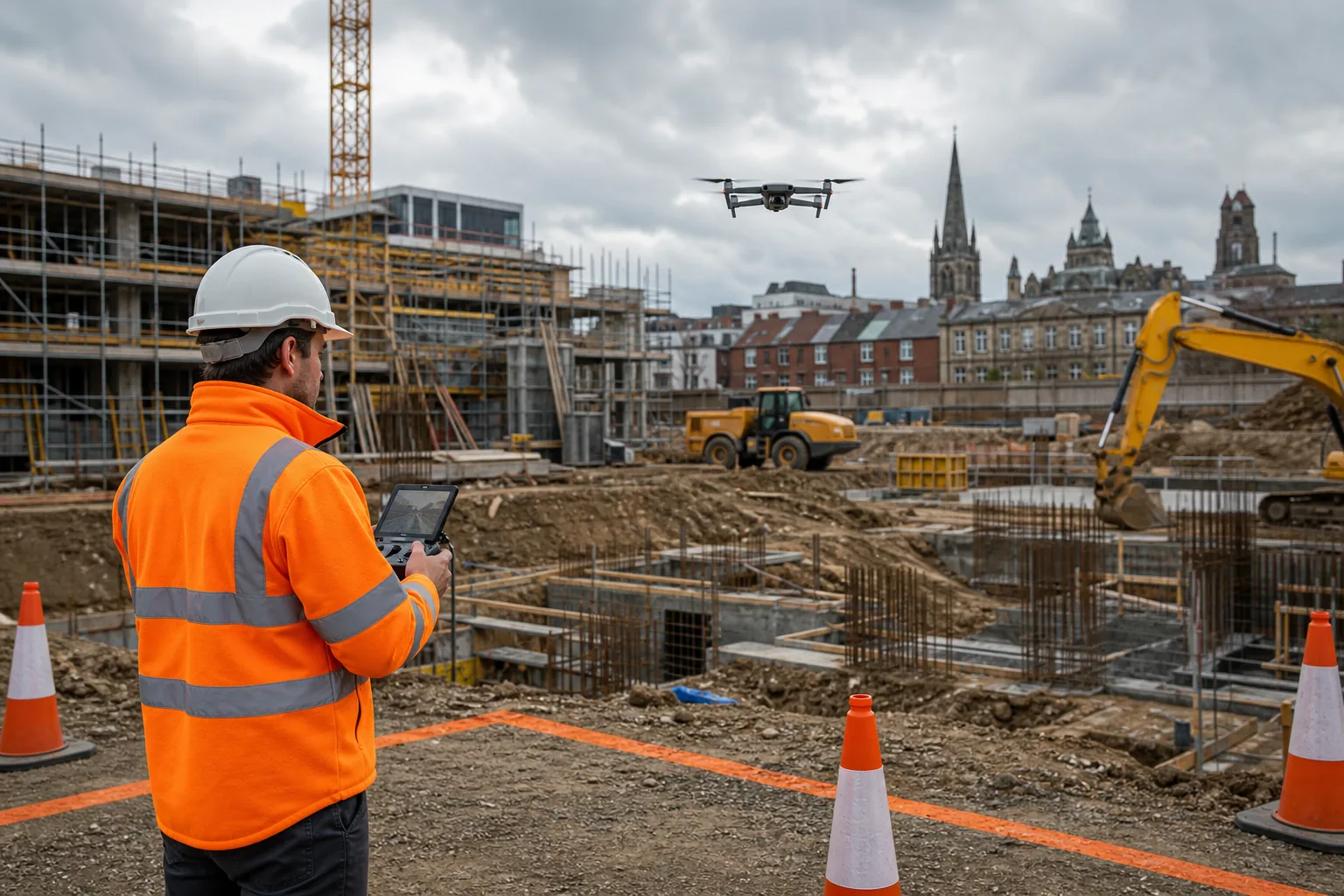
Before the flight, confirm who controls the work area and who can halt site activity if needed. A short briefing gives the site team a shared picture of what will happen and where the aircraft will operate.
Step 3: Capture Consistent Images and Progress Records
Consistency makes progress records easier to compare. Decide in advance which views should be repeated, when the site should be photographed and which changes are worth noting.
For a site overview, set a repeat route or a set of fixed viewpoints. For a façade or roof inspection, plan views that show the relevant areas clearly without relying on one wide shot. Keep the image angle and distance as consistent as site conditions allow. If the capture method changes, note why.
Camera resolution matters because the image must show the detail the reviewer needs. A wide overview may work well for logistics or general progress. A close inspection of a visible defect needs enough detail to show its location and shape. Ask the operator how the planned camera and flight distance suit the feature, rather than choosing a resolution number in isolation.
Flight time and battery capacity also affect planning. A large or complex site may need more than one flight, with time allowed for battery changes and safe checks. The operator should plan coverage within the aircraft’s operating limits and leave enough time to verify that the required areas were captured.
Capture useful context with each visit. Record the date, time, site zone and any limits to coverage. If a structure, vehicle or temporary work hides an area, note that rather than implying the image shows the whole site. This context helps a reviewer avoid treating a partial view as a complete record.
Agree the flight frequency with the project programme. Weekly or monthly capture may suit some progress reviews, while milestone-based visits may be more useful where work changes in clear stages. There’s no single schedule for every job. The right interval depends on how quickly conditions change and how often the team needs new evidence to make a decision.
Before leaving site, check that the images are sharp and that the agreed areas appear in the files. A quick review can reveal a missed viewpoint while a return flight is still possible. For design teams using aerial records, align the brief and image angle with the review task; see our related aerial survey information.
Keep visual records separate from conclusions. A photograph may show a visible change, but interpretation may need drawings, site notes or a qualified surveyor’s assessment.
Step 4: Process Images into Useful Site Information
Processing turns separate captures into material that’s easier to review. The right level of processing depends on whether the team needs a visual record, a mapped view or a 3D representation.
For an overview, select images that show the whole relevant area without hiding key details. For a map-like output, overlapping photographs can be aligned and stitched into an orthomosaic. Photogrammetry is the process of using overlapping images to build a 3D representation. The results depend on coverage, image quality and the method used.
Don’t assume that a polished model is automatically suitable for measurement. If the project needs measured data, agree how it will be referenced and checked. The method, control and stated limits should match the decisions that depend on it. Where a measurement is important to design or payment, consider whether another survey method or an independent check is also needed.
Make each finding easy to locate. Use a site plan, grid reference or clear area label where one is available. An annotated image can point a reviewer to a visible issue, but retain the original image as well. Keep notes about any cropping, annotation or processing that changes how the image appears.
Think about the handover before processing starts. A project manager may want a concise report with selected images. A design team may need mapped data that fits its own information workflow. If a 3D survey is part of the scope, agree the file type and coordinate reference with the people who will use it. Further information is available in this resource.
Visual Perspectives Limited provides managed drone-based aerial inspections across the UK. Our work includes high-resolution 3D mapping, detailed roof and façade surveys, and thermal imaging for building defects and heat loss. Thermal imaging shows temperature patterns, including details that what the naked eye can’t see. Those patterns need an informed assessment; they aren’t a diagnosis on their own.
For thermal surveys, keep the image findings tied to the survey purpose and conditions. A thermal anomaly is a temperature difference that may need further checks. It should be interpreted alongside the building details and the inspection conditions, not treated as proof of a specific defect by itself.
Before issuing the files, check coverage, dates, labels and readability. Confirm that the intended users can open the agreed formats and understand any stated limits. A clear handover prevents the site team from having to guess what an image or model can support.
Step 5: Review Findings and Turn Them into Actions
Review the output against the original question. If the brief asked whether a work area had changed, compare the same zone across dates. If the task was a visual inspection, check whether each finding is visible and located clearly enough for the responsible person to follow up.
Separate observations from decisions. “Water is visible on this roof area” describes an image. “The roof has failed” is a diagnosis that may require further inspection. Aerial records can help a surveyor or project team decide what to examine next, but images alone may not explain the cause of a condition.
Assign an owner and next action to each finding that needs attention. That could mean a closer ground inspection, a check against drawings or a repair review by the relevant contractor. Set a due date in the project’s normal tracking process. If no action is needed, record why the item can be monitored instead.
For progress reviews, compare the images with the agreed programme milestone and note what the images can actually show. Aerial views can help remote stakeholders understand the visible site state without relying only on verbal updates. They don’t replace site diaries, construction records or technical sign-off.
Use a simple value check when planning repeat flights. Consider the cost of capture and processing alongside the time required for manual site reviews, access arrangements and repeat visits. Then ask whether the output changed a decision, reduced uncertainty or helped the team spot an issue earlier. Don’t claim a saving unless the project can link it to a recorded change in work or cost.
For a multi-building estate, use a consistent naming and review process across sites. That lets asset and facilities teams find a building’s records later, rather than treating each flight as a stand-alone image set. Restrict access to people who need the files, and follow the organisation’s rules for storing project records.
We provide managed aerial inspections for building teams and property professionals. Our surveys are planned to be quickly, precise, and detailed, with the output shaped around the inspection purpose. A clear brief and a named reviewer help ensure the record leads to an appropriate next step.
Frequently Asked Questions
What is aerial photography used for on a construction site?
It records visible site conditions from above or at an angle. Teams use the images to review progress, inspect hard-to-reach areas and share a site overview with people who aren’t on site. The brief should state the area and question, since a general image set may not show the detail needed for a specific inspection.
How often should a construction site be photographed?
Set the frequency around the project programme and how quickly the site changes. Regular visits can help teams compare progress, while milestone-based capture may suit work that moves through distinct stages. Keep the viewpoints consistent where possible, and record any change in coverage or conditions that could affect comparison.
Do drone images provide accurate measurements?
Not automatically. An image or 3D model may support measurement only when the capture and processing method suits that use. Ask what reference or survey control was used, what checks were made and what accuracy limits apply. For decisions with design or payment consequences, consider a suitable survey check.
What should a construction drone survey deliver?
Deliverables should match the task. A visual review may need labelled photographs and a concise report. A site-wide comparison may benefit from a mapped image, while a 3D review may need a model in an agreed format. Confirm file types, naming, coverage and any limits before the flight, so the team can use the results.
Conclusion
Plan aerial photography around a decision, not a camera flight. Set the scope, check the operation and agree how the team will review the result. If you’re planning a roof, façade or building inspection, share the project question with Visual Perspectives Limited so we can discuss a suitable survey scope.